STM32 getting started: Complete Beginner Guide
Category: Embedded Systems | Updated: March 2026 | ⏱ 18 min read
Why STM32 Getting Started Is Easier Than You Think in 2026
If you have ever felt intimidated by the idea of STM32 getting started, you are not alone. Many hobbyists and professionals alike have stared at the STM32 ecosystem and wondered where to even begin. The truth is that with the right tools, the right development environment, and a clear roadmap, diving into STM32 for beginners is more accessible today than at any point in the microcontroller’s history. The broad adoption of STM32CubeIDE as a free, unified development platform has removed one of the biggest barriers to entry, giving newcomers a single place to write, compile, and debug their code.
The STM32 family, built on the ARM Cortex-M4 architecture (and other Cortex-M variants), offers a massive performance leap over traditional 8-bit microcontrollers. Unlike simpler boards, STM32 microcontrollers provide hardware floating-point units, DMA controllers, and a rich peripheral set that opens the door to real-time signal processing, motor control, USB communication, and much more. When comparing STM32 vs Arduino, the STM32 wins on raw power and peripheral depth — though Arduino’s simplicity still holds appeal for very quick prototypes.
In this complete guide to STM32 getting started, we will walk you through everything: choosing your first development board, setting up STM32CubeIDE, writing your first STM32 GPIO blink program, and growing your skills with practical projects. Whether you are coming from Arduino, Raspberry Pi, or starting fresh, this STM32 tutorial will give you the foundation you need to build confidently on the STM32 platform.
📑 In This Guide:
🏆 Our Top Pick for STM32 Getting Started
STM32F4 Discovery Board
The most complete out-of-the-box STM32 experience for beginners, combining a powerful ARM Cortex-M4 core with onboard sensors, audio, and USB — all supported natively in STM32CubeIDE.
📊 Quick Comparison — STM32 Getting Started Boards
| Product | Best For | Key Spec | Score |
|---|---|---|---|
| STM32F4 Discovery Board | Best Overall Starter | 168 MHz Cortex-M4, FPU, onboard sensors | 9.4/10 |
| NUCLEO-F103RB | Best Budget Entry | 72 MHz Cortex-M3, Arduino headers, ST-Link | 8.8/10 |
| STM32F103C8T6 Blue Pill | Best Bare-Metal Value | 72 MHz Cortex-M3, USB, lowest cost | 8.3/10 |
| NUCLEO-F446RE | Best for Advanced Projects | 180 MHz Cortex-M4, FPU, DSP, rich peripherals | 9.2/10 |
1. STM32F4 Discovery Board — 🏷️ Best Overall Starter
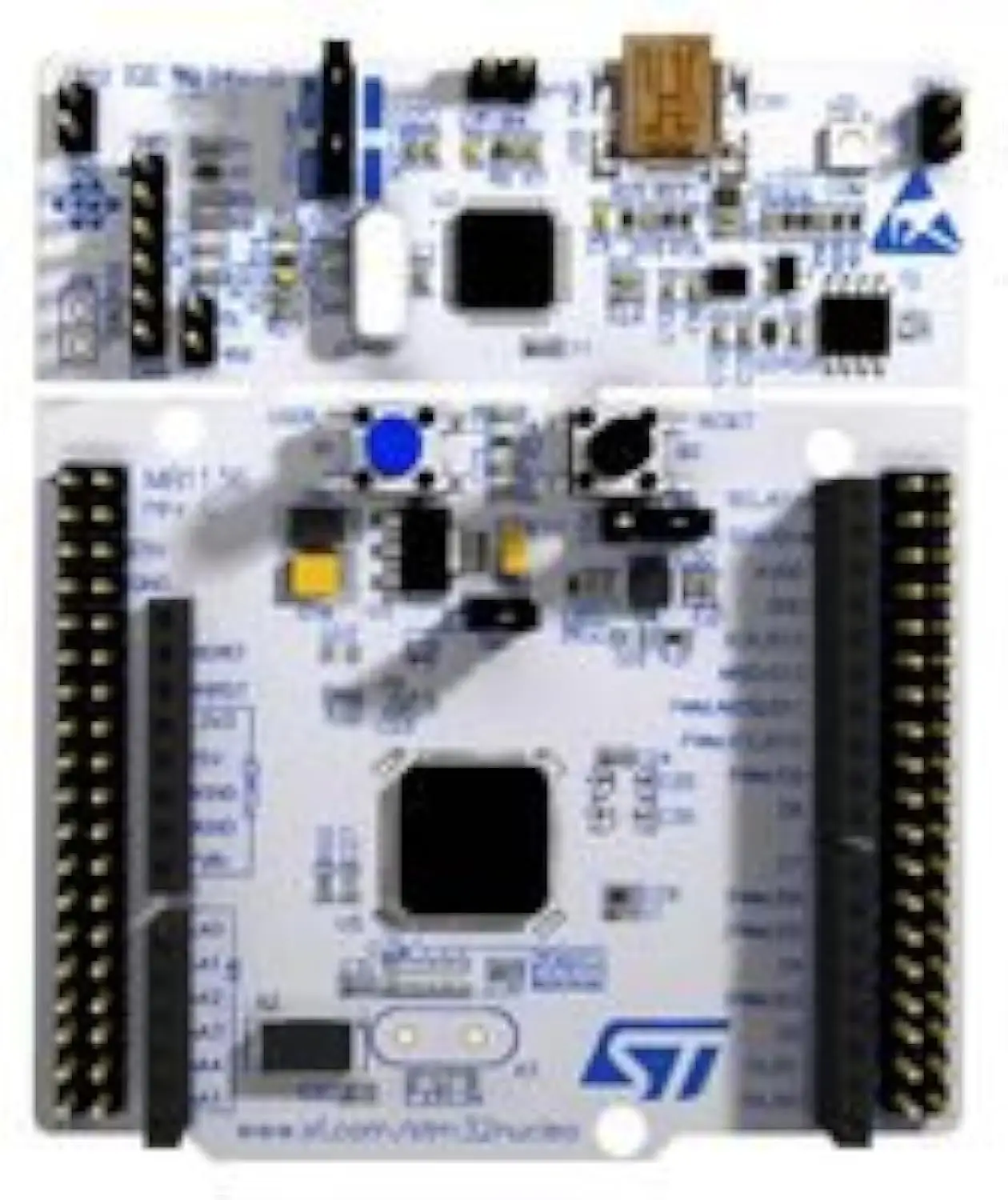
The STM32F4 Discovery Board is widely regarded as the gold standard for STM32 getting started experiences, and for very good reason. Powered by the STM32F407VG chip running at 168 MHz with a hardware floating-point unit, this board gives beginners immediate access to serious computational power. According to STMicroelectronics’ official product page, the F4 Discovery was specifically designed to help developers explore the full capabilities of the STM32F4 series without requiring any additional hardware, thanks to its integrated ST-Link/V2 debugger and programmer. For anyone serious about STM32 getting started, this board eliminates the frustrating first step of sourcing and configuring an external programmer.
Beyond the debugger, the F4 Discovery includes an onboard MEMS accelerometer, audio DAC with a 3.5mm jack, and USB OTG support, which means your first few projects can be genuinely interesting rather than just blinking LEDs. When learning STM32 GPIO control, having physical LEDs and a user button already soldered on the board is a tremendous advantage. The ARM Cortex-M4 core with DSP extensions also makes this board an ideal stepping stone for signal processing and audio applications down the road.
2. NUCLEO-F103RB — 🏷️ Best Budget Entry
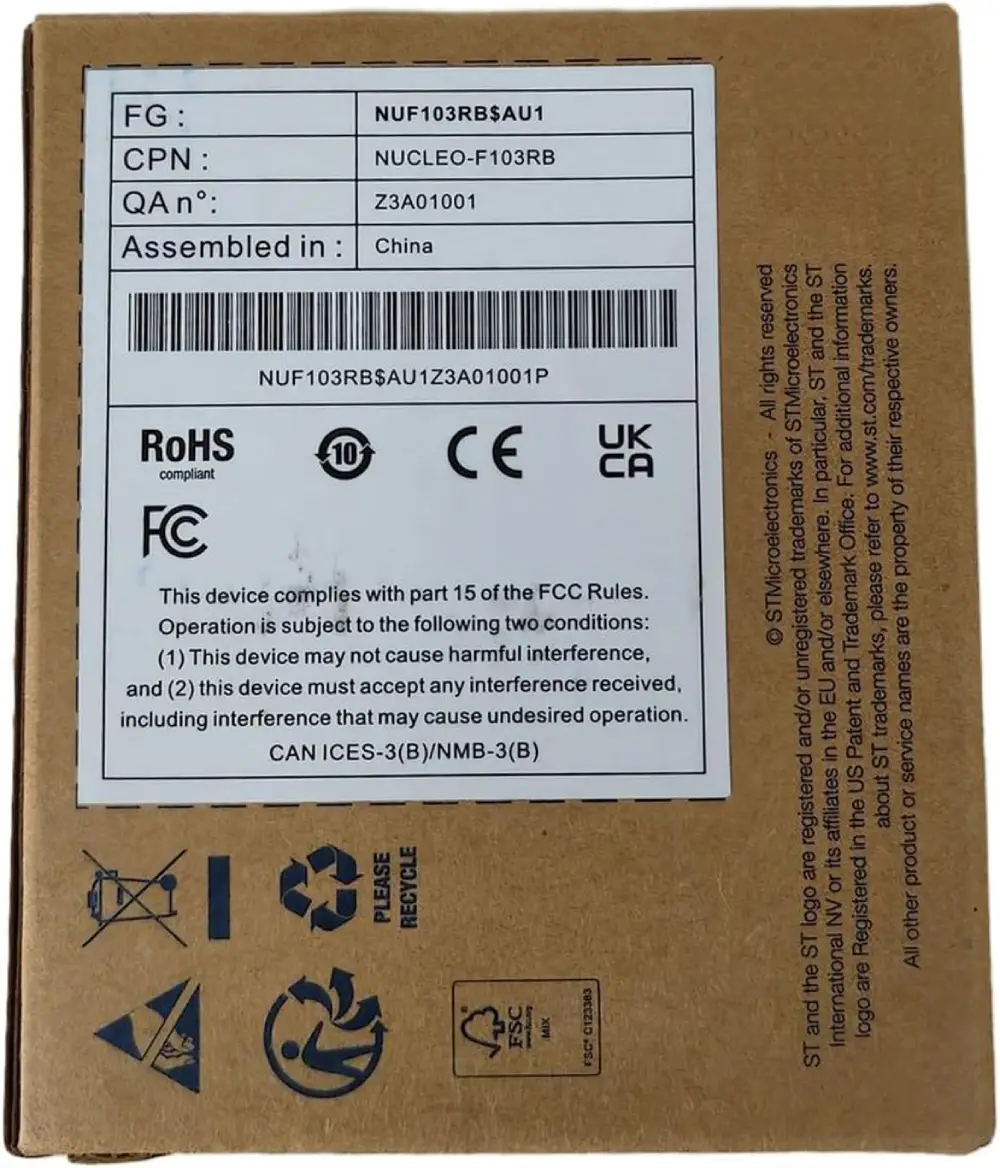
The NUCLEO-F103RB is ST’s answer to the question of “how do I get onto the STM32 getting started path without spending much?” Priced as one of the most affordable official ST boards, the NUCLEO-F103RB punches well above its cost by including a fully functional onboard ST-Link/V2-1 debugger and a USB virtual COM port that makes serial communication effortless from day one. The Arduino-compatible headers mean that anyone transitioning from an STM32 vs Arduino comparison can immediately reuse existing shields and wiring knowledge, making the migration feel natural rather than jarring.
The STM32F103RB chip running at 72 MHz is the same core used in millions of production embedded systems, so the skills you build on this board — including STM32 GPIO configuration, UART, SPI, and I2C using HAL drivers — transfer directly to real-world engineering work. As noted in the STMicroelectronics NUCLEO product lineup, the NUCLEO series was designed from the ground up to be the reference platform for STM32CubeIDE, ensuring seamless code generation with STM32CubeMX and full HAL library support. The Cortex-M3 core lacks a hardware FPU, but for most learning and prototyping applications this is rarely a limitation.
3. STM32F103C8T6 Blue Pill — 🏷️ Best Bare-Metal Value
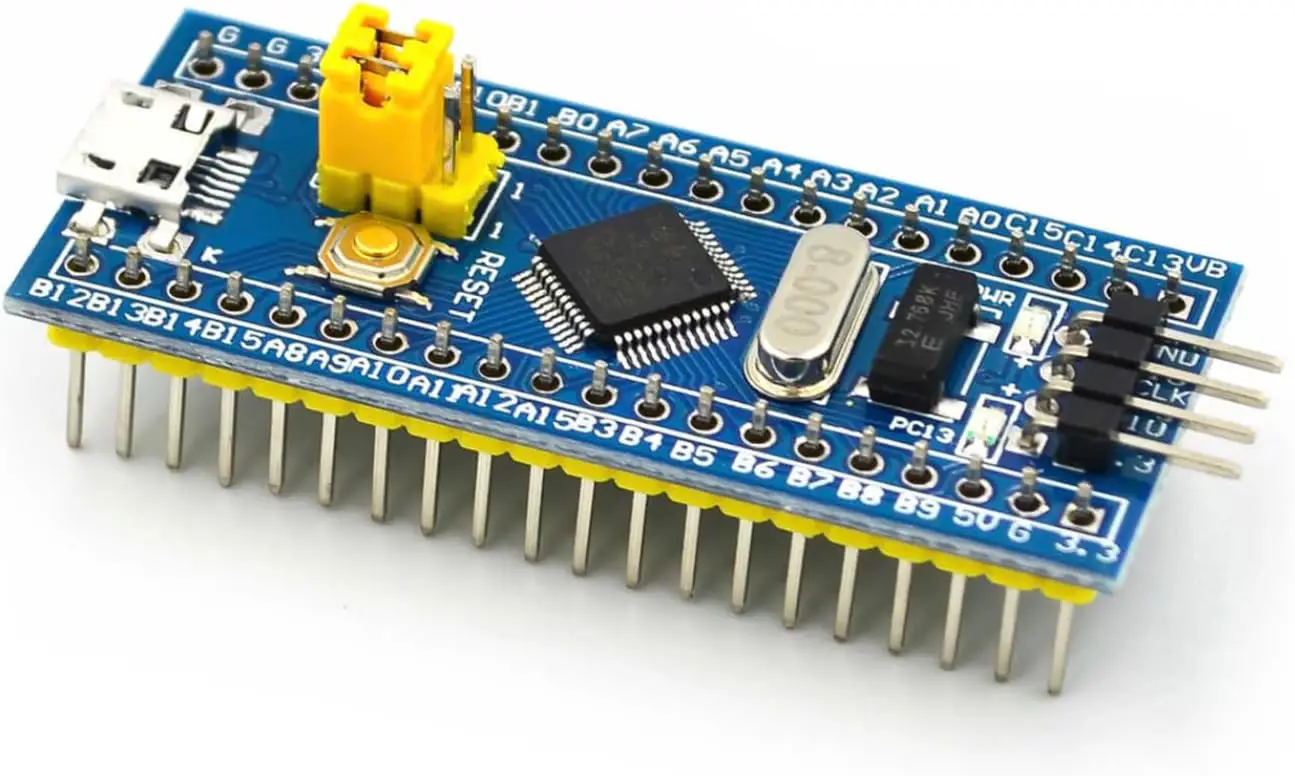
The Blue Pill is perhaps the most legendary low-cost entry point in the entire STM32 getting started community. Based on the same STM32F103C8T6 chip, it runs at 72 MHz on a Cortex-M3 core and fits neatly into a standard breadboard, making it ideal for quick prototyping and for embedding into final projects where cost and size matter. It is the board that introduced countless engineers to the world of STM32 getting started with bare-metal register programming, and it remains highly relevant because of its unbeatable price-to-performance ratio and enormous community.
The primary drawback is the lack of an onboard debugger — you will need a separate ST-Link V2 dongle to program and debug it, which adds a few dollars to the total cost and a step to the setup process. Many clones also have a USB resistor issue that requires a small hardware fix before USB communication works reliably. However, once configured, the Blue Pill supports the full STM32CubeIDE workflow and is excellent for learning STM32 GPIO, timers, UART, and SPI. The board is also programmable via the Arduino IDE using third-party STM32 cores, making it a popular choice in the STM32 vs Arduino debate for those who want the best of both worlds.
4. NUCLEO-F446RE — 🏷️ Best for Advanced Projects
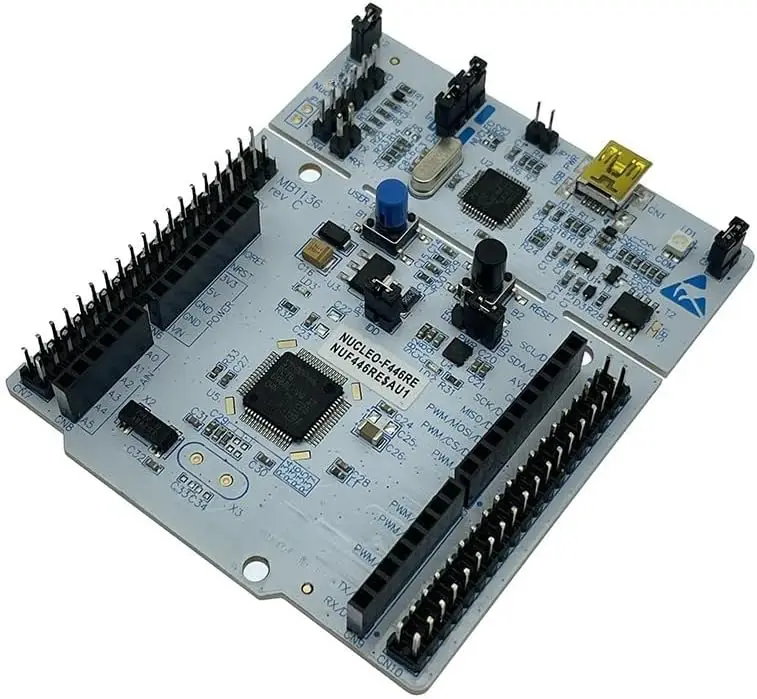
The NUCLEO-F446RE represents the premium end of the beginner-to-intermediate NUCLEO lineup, running the STM32F446RE chip at a blistering 180 MHz with both a hardware ARM Cortex-M4 FPU and full DSP instruction set support. This combination makes it uniquely suited for projects that go beyond basic STM32 GPIO toggling into real-time control systems, digital filters, motor FOC algorithms, and even basic machine learning inference tasks. For someone who starts their STM32 getting started journey here, they will rarely need to upgrade boards as their skills grow.
Like all NUCLEO boards, the F446RE ships with a fully integrated ST-Link/V2-1 debugger and an Arduino-compatible header layout, so shield reuse from previous Arduino or STM32 for beginners projects is straightforward. The STM32CubeIDE experience on this board is flawless — STM32CubeMX generates initialization code with a few clicks, and the HAL and LL driver libraries are comprehensive. For anyone following a structured STM32 tutorial that progresses from GPIO to timers to DMA to RTOS, the F446RE has more than enough headroom to support the entire learning arc without bottlenecks.
📖 How to Choose the Best STM32 Getting Started Board
With dozens of STM32 boards available, the selection process can feel overwhelming. This buying guide breaks down every key consideration so you can match the right board to your goals, budget, and learning style. Whether you are comparing official ST boards or debating third-party options, these criteria will help you make a confident decision for your STM32 getting started journey.
1. Onboard Debugger vs. External Programmer
The single most impactful factor for a smooth STM32 getting started experience is whether your board includes an onboard ST-Link debugger. Official ST boards like the STM32F4 Discovery, NUCLEO-F103RB, and NUCLEO-F446RE all include integrated ST-Link programmers, meaning you can connect via USB and start flashing code immediately in STM32CubeIDE without any additional hardware. The Blue Pill, on the other hand, requires an external ST-Link V2 dongle. According to STMicroelectronics, the integrated ST-Link also enables full SWD debugging with breakpoints, watchpoints, and real-time variable inspection — capabilities that are invaluable for learning.
2. Core Architecture and Performance
STM32 boards span multiple core architectures. For most beginners, the choice is between Cortex-M3 (no FPU) and ARM Cortex-M4 (with FPU and DSP). If your projects involve floating-point math, audio, signal processing, or motor control, a Cortex-M4 board like the STM32F4 Discovery or NUCLEO-F446RE is a much better long-term investment. For purely digital projects — LED control, button reading, UART, and basic sensors — a Cortex-M3 board like the NUCLEO-F103RB is entirely sufficient and more cost-effective.
| Feature | Cortex-M3 (F103) | Cortex-M4 (F4/F446) |
|---|---|---|
| Hardware FPU | No | Yes |
| DSP Instructions | No | Yes |
| Max Clock Speed | 72 MHz | 168–180 MHz |
| Best For | Digital I/O, UART, beginners | Audio, DSP, motor control, RTOS |
| Cost | Lower | Moderate |
3. Development Environment and Toolchain
All boards in this guide are fully supported by STM32CubeIDE, which is the recommended free IDE from STMicroelectronics. It integrates STM32CubeMX for graphical peripheral configuration, the GCC ARM compiler, and a powerful GDB-based debugger. For a smooth STM32 tutorial experience, stick with STM32CubeIDE rather than trying to configure third-party Makefiles or Keil from scratch. The HAL (Hardware Abstraction Layer) library generated by CubeMX dramatically simplifies STM32 GPIO, timer, and communication peripheral setup.
4. Header Compatibility and Expansion
If you are transitioning from Arduino and want to reuse existing shields or have a collection of Arduino modules, the NUCLEO-F103RB and NUCLEO-F446RE both offer Arduino-compatible header layouts. In the STM32 vs Arduino comparison, this compatibility is a major advantage because it lets you keep using familiar hardware while gaining the power of the STM32 ecosystem. The Blue Pill is breadboard-friendly but not directly Arduino-shield compatible due to its compact 40-pin DIP layout.
5. Budget Considerations
Budget is always a factor when starting out. The Blue Pill is the cheapest option but requires an extra ST-Link dongle purchase, which can erode the cost advantage. The NUCLEO-F103RB is the best all-in value at a low price with a debugger included. For the best learning experience regardless of cost, the STM32F4 Discovery Board remains the top recommendation for STM32 for beginners who want everything included in one package.
⚡ Quick Recommendations:
🏆 Best Overall: STM32F4 Discovery Board — Most complete onboard experience with FPU, sensors, debugger, and USB.
💰 Best Budget Entry: NUCLEO-F103RB — Lowest-cost official board with debugger and Arduino headers.
🔧 Best Bare-Metal Value: STM32F103C8T6 Blue Pill — Cheapest standalone module, ideal for breadboard prototyping.
🚀 Best for Advanced Projects: NUCLEO-F446RE — 180 MHz Cortex-M4 with FPU and DSP, built to last through your entire learning journey.
Related Guide You Might Like
❓ Frequently Asked Questions
✅ Getting Started with STM32 — Complete Guide 2026 — Our Final Verdict
After reviewing four of the most popular boards for STM32 getting started, it is clear that each serves a distinct type of learner and project goal. The STM32 ecosystem as a whole is remarkably accessible in 2026 thanks to the maturity of STM32CubeIDE, the HAL library, and an enormous global community. Whether you choose an all-in-one Discovery board or a bare-bones Blue Pill, you are entering one of the most powerful microcontroller families available to embedded developers today.
🏆 Best Overall Starter:
STM32F4 Discovery Board — The most complete first board with onboard debugger, sensors, audio, USB, and ARM Cortex-M4 performance for long-term learning.
💰 Best Budget Entry:
NUCLEO-F103RB — The best value official ST board with an integrated debugger, Arduino headers, and flawless STM32CubeIDE integration.
🔧 Best Bare-Metal Value:
STM32F103C8T6 Blue Pill — Ultra-low-cost module ideal for breadboard prototyping and bulk projects, best suited for those who already own a programmer.
🚀 Best for Advanced Projects:
NUCLEO-F446RE — The most powerful NUCLEO in its class with 180 MHz Cortex-M4, FPU, and DSP — a board that will serve you from your first GPIO blink to your first RTOS application.
This article is part of our embedded systems comparison series at Universe Hardware.
As an Amazon Associate, Universe Hardware earns from qualifying purchases.